Services

Intelligent Automation

Design automations that amplify your team while keeping approvals front and center.

Book Discovery Call
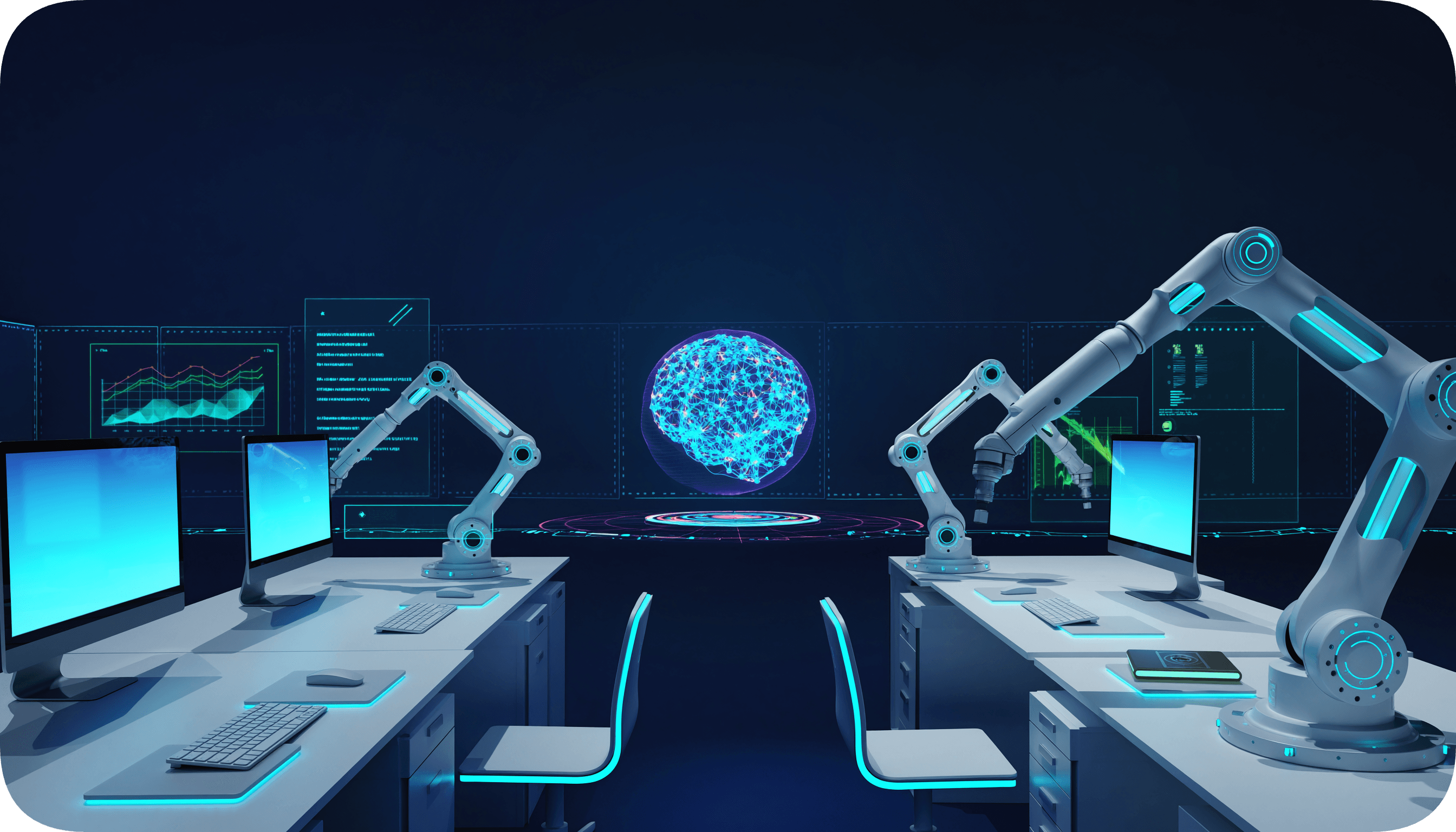
Abstract automation illustration with soft gradients

Who this is for

  • Teams drowning in follow-up work, status updates, or routine approvals that still need a human check.
  • Operations leaders who must protect compliance, security, and brand tone while scaling.
  • SMB teams that want automation paired with clear handoff points rather than unmanaged autonomy.

What you get

  • Secure workflows that orchestrate systems (CRM, finance, workflow tools) while flagging sensitive decisions.
  • Embedded checkpoints that trigger human review on any transaction, customer reply, or governance event.
  • Monitoring and alerts so you can see when an automation is running, waiting, or needs intervention.

How it works

Step 1

Define the flow

Document workflows, systems, and decision points that need automation plus approvals.

Step 2

Prototype safely

Wire existing tools with prototypes shaped around the people who ultimately sign off.

Step 3

Layer guardrails

Add data, consent, and escalation controls, then test with the team in paced releases.

Step 4

Train and monitor

Teach operators the new flow and share dashboards showing automation health and waits.

Examples

Example scenario: Operations rep without time to update CRM records.

  • Situation: Manual CRM updates miss context and slip through compliance reviews.

  • Automation: Template-driven updates plus review prompts before status changes.

  • Guardrails: Human override before any sensitive field changes.

  • Outcome: Records stay current, and leaders see each approved edit.

Example scenario: Proposal intake needs redlining before legal sees it.

  • Situation: Sales, finance, and legal all need a say, but routing is chaotic.

  • Automation: Automated routing with checklists for every reviewer.

  • Guardrails: Delay applies until each required reviewer gives a thumbs-up.

  • Outcome: Faster sign-off with documented approvals.

FAQ

How do we stay in the loop once automation launches?
Dashboards and scheduled reviews keep you aware of what ran, skipped, or is awaiting approval.
Do you build custom scripts or rely on off-the-shelf tooling?
We mix no-code tools with custom connectors so automation fits your stack and security needs.
Can we pause an automation quickly?
Yes; each build includes manual pause switches and human review queues.
What happens if data or context changes?
We design error handling and reroute opportunities so humans can step in before mistakes reach customers.

Next step

Next step

Map your automation opportunities

We will surface workflows that deserve automation with your guardrails front and center.

Schedule the discovery call

30-minute review to map the blueprint.